Disclaimer
I am just posting the links I found on the internet. I am not sure how come that TLauncher provides Minecraft for free, but it does and it works.
If you think this is not legal, or I should not use it, please contact me via form, or send me an email to gaming@bymatej.com.
I am in no way affiliated with TLauncher and/or Mojang/Minecraft.
Thanks!
Register at TLauncher website
Go to TLauncher website: https://tlauncher.org/en/
Use the Sign-Up link to create an account. After you create your account, please remember the username you used in the registration form. Your server admin might need it to whitelist you on their server.
Download and install TLauncher
As a prerequisite, ensure you have installed Java on your computer.
Click on the Download TL button on the TLauncher website. Download the software for your OS.
Windows version comes as an exe installer, while the Mac OS and Linux versions come as zip files. If you are a Windows user just double-click on the installer, follow the instructions and install. If you use Mac or Linux, just extract the zip file.
Run TLauncher
Open TLauncher.
Select the latest Minecraft version from the dropdown. I used 1.14.4. Click the Install button and the TLauncher will download your Minecraft game.
Check the Accounts checkbox and add your account you created in the first step.

After the game is installed, and the account is added, you will have the Enter the game button ready and it should look like this:

If you get stuck or need help, please refer to this help article from TLauncher.
Playing the game
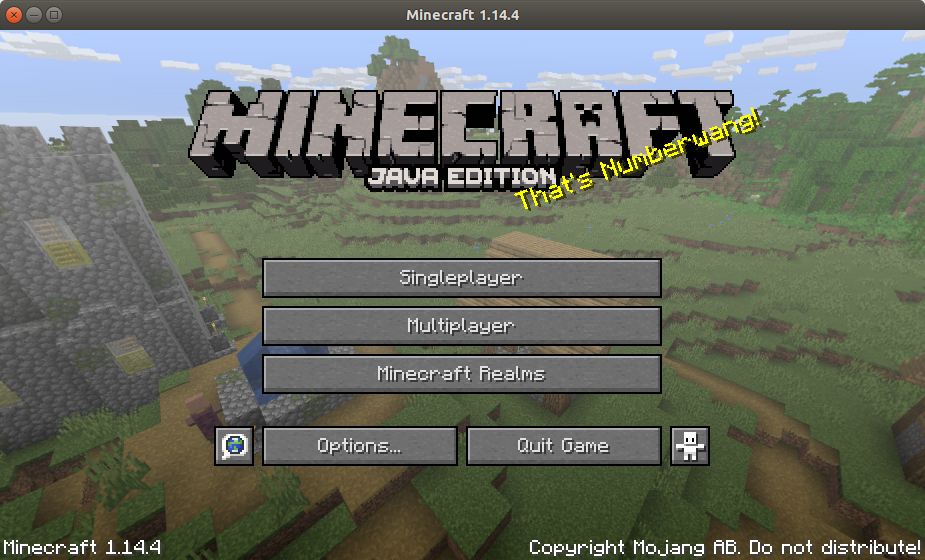
You can play in Singleplayer or in Multiplayer.
If you play in Singleplayer mode, you can create your own world and you can have fun either in Creative mode or in Survival mode.
You can play with your friends either in LAN (your local network), or Online (if you have a set up a server).
Crafting guide
Please, check this crafting guide: https://www.minecraftcraftingguide.net/